Google Business Profile for tattoo shops: a practical checklist
A Google Business Profile is the free listing that shows your tattoo shop on Google Maps and in the local results when someone searches for a tattoo shop nearby. For many clients it is the first thing they see: your photos, opening hours, reviews and a button to your website. This checklist helps you set it up properly and keep it working for you, without spending hours on it.
Why your Google profile matters
When people search for "tattoo shop" plus a city, or "tattoo near me", Google usually shows a map with a handful of local businesses above the regular results. Those listings come from Google Business Profiles. A complete, accurate profile makes it more likely your shop appears there, and more likely that people who see it click through to your website or come by.
It works best together with a good website. The profile gets you seen; your website answers the questions and takes the booking. We covered the wider picture in SEO for tattoo shops.
Step 1: claim and verify your profile
Search for your shop on Google Maps. If a profile already exists, claim it; if not, create one. Google asks you to verify that you run the business. The verification method varies, so follow the steps Google shows you. Use an account that belongs to the business, not a personal account of someone who may leave.
Step 2: get the basics exactly right
- Business name: your real shop name, exactly as on your sign and website. Don't add keywords like "best tattoo shop in town"; that's against Google's guidelines.
- Category: choose the category that best describes you as the primary category, such as tattoo shop. Add secondary categories only if they really apply, for example if you also do piercings.
- Address: the same as on your website, written the same way
- Phone number: a number that's actually answered, or that clearly leads to how you prefer to be contacted
- Website: a link to your own website, ideally on your own domain
Consistency matters. Use exactly the same name, address and phone number as on your website and in directories, such as our tattoo shop directory, where you can claim your shop's listing.
Step 3: opening hours, walk-ins and special hours
Enter your regular opening hours and keep them current. Add special hours for holidays and closures, so nobody stands in front of a closed door. If you work by appointment only, make that clear in your description and on your website, so people don't walk in expecting a free slot.
Step 4: a description in plain words
Write a short description of your shop: the styles you do, how many artists work there, whether you take walk-ins and how to book. Write it the way clients talk. Avoid lists of keywords; one clear paragraph works better.
Step 5: add a booking or appointment link
Google lets many businesses add a link for appointments. Point it to the booking page on your website, where clients can send a complete request with placement, size and reference images. That way people coming from Google don't end up in your DMs. Every OnlineTattoo.art site includes a booking request form you can link to.
Step 6: photos that show what you do
Photos are one of the main reasons people click on a listing. Add:
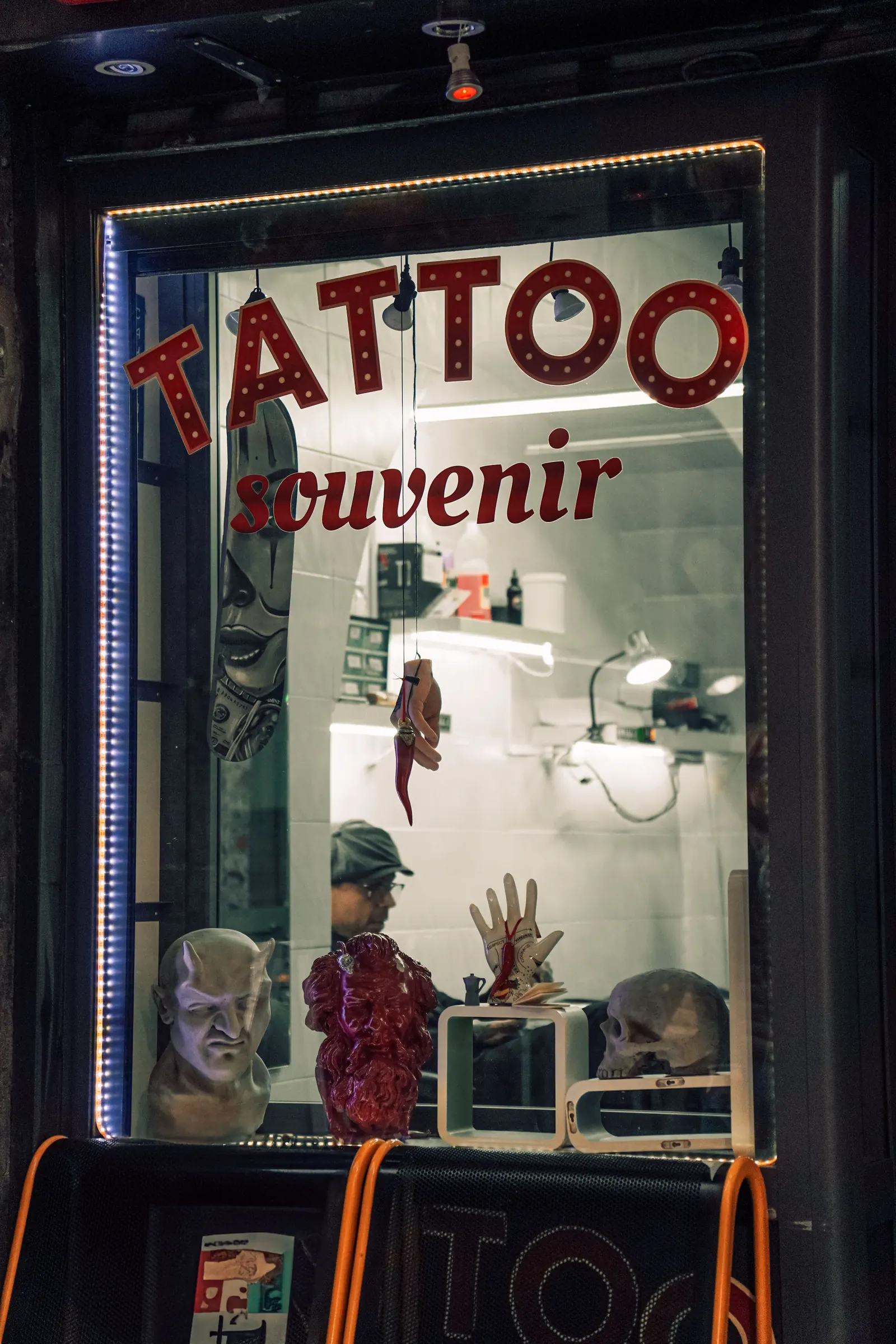
- Your shop front, so people recognise it from the street
- The inside of the studio: clean, light, welcoming
- Your artists at work
- Healed tattoos in the styles you do
Add new photos regularly, especially new work. Use photos you have the rights to and that clients agreed to.
Step 7: reviews
Reviews influence whether people choose you. Ask happy clients for a review, ideally once their tattoo has healed, when they can judge the result. Make it easy with a short link. Reply to reviews: a short thank you for positive ones, and a calm, factual answer to critical ones. Never post fake reviews or reward clients for positive ones; it breaks Google's rules and damages trust.
Step 8: keep it alive
A profile that hasn't changed in years looks abandoned. Once a month is enough:
- Check opening hours and special hours
- Add a few new photos
- Reply to new reviews
- Share an update, for example a flash day or a guest artist
Handling a negative review
Every shop eventually gets a review that stings. Wait until you've calmed down, then reply briefly and factually. Thank the person, acknowledge their experience without arguing about details in public, and invite them to contact you directly so you can look at it together. Never share details about the client or their tattoo in your reply. Future clients often read how you respond as carefully as the review itself: a calm, professional answer builds trust. If a review breaks Google's rules, for example because it's clearly about another business, you can report it through your profile.
How your website and profile work together
Your profile shows a short summary; your website gives the full picture. Make sure the website the profile links to:
- Shows the same address, phone number and opening hours, as text
- Has a page per artist with their styles and portfolio
- Makes booking easy, with clear deposit rules
- Loads fast on a phone
The OnlineTattoo.art tattoo website builder is built around exactly those points, and your site can run on your own domain, free for the first year, which makes the link in your Google profile look professional.
Common mistakes
- Keywords stuffed into the business name
- Different addresses or phone numbers on Google and on the website
- Old opening hours, no special hours on holidays
- No website link, or a link to an Instagram profile only
- Only stock photos, or no photos of real work
- Unanswered reviews
Photo: Luca Musella / Pexels