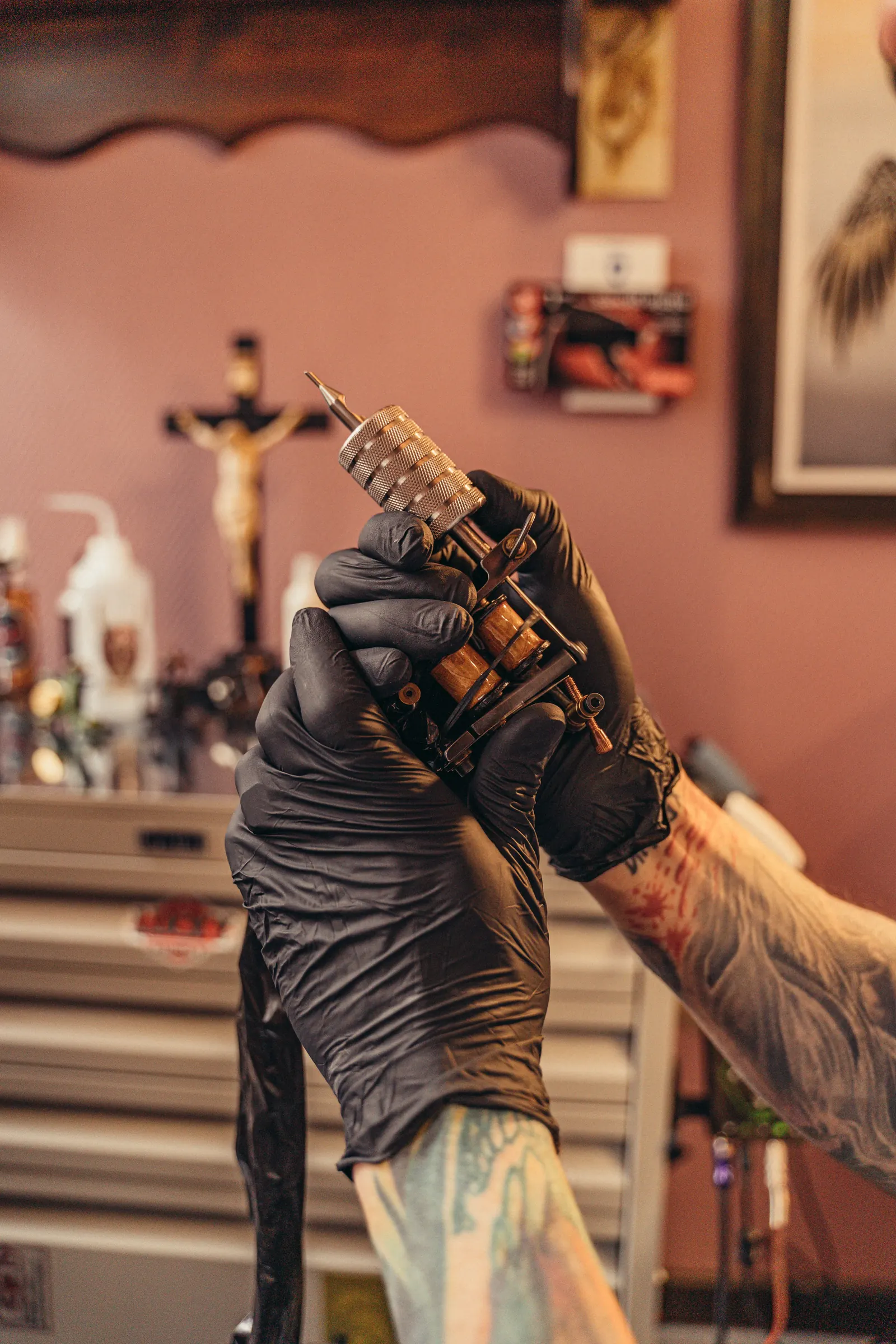
How to build a tattoo shop website

A tattoo shop website doesn’t need to be big. It needs to answer the questions clients ask every day, show the right work, and turn interest into a complete booking request. This guide walks through what to put on it and how to set it up.
Start with the questions clients ask
Before choosing colours or templates, write down the questions you answer in DMs every week. Usually they are:
- Do you do this style? Who in the shop does it?
- How do I book, and what do you need from me?
- What does it cost, and is there a deposit?
- Where are you, and when are you open? Do you take walk-ins?
- How do I take care of my new tattoo?
Every one of those questions deserves a clear place on your site.
The pages a tattoo shop website needs
- Home — who you are, what styles you do, where you are, and a clear button to book
- Artists — a page per artist with their own portfolio, styles and booking form
- Portfolio — your best work, filterable by style
- Flash — available designs with prices, if you work with flash
- Booking — the form, your deposit rules and what happens next
- Aftercare — the instructions you give clients, to look up later
- Shop — aftercare products, prints, merch and gift cards
- Contact — address, map, opening hours, walk-in information
Show your portfolio well
Clients choose an artist based on work, so this is where your site wins or loses.
- Show your best and most recent work, not everything
- Sort by artist and by style: fine line, traditional, realism, blackwork, and so on
- Use healed photos where you can; they show the quality that lasts
- Make sure images are sharp but load fast on a phone
Make booking easy and complete
A tattoo booking form saves you more time than any other page. Ask for the idea, placement, size, colour or black & grey, reference images and the preferred artist. Explain your deposit and cancellation rules on the same page, so there are no surprises.
Be found locally
People search for “tattoo shop” plus their city, or a style plus their city. To show up:
- Put your full address, opening hours and phone number on the site, in text
- Use the same name and address as your Google Business Profile
- Give each artist a page with their name and styles
- Write a few sentences about your shop and the styles you do — in normal words, the way clients would search for them
Mistakes to avoid
- Only a link to Instagram — visitors who are ready to book have to start a DM
- No prices or deposit information at all — clients drop off or ask the same questions
- A portfolio of years-old work that no longer shows your current style
- Huge images that load slowly on mobile data
Build it yourself, or have it built
You can build a site with a general website builder, but you will end up adding booking, deposits, flash and a webshop with separate tools. A website builder made for tattoo shops has those parts built in. At OnlineTattoo.art we also build the first version for you, from your Instagram or current site, so you can see it before you decide. Start with a free website preview.
Photo: Pavel Danilyuk / Pexels